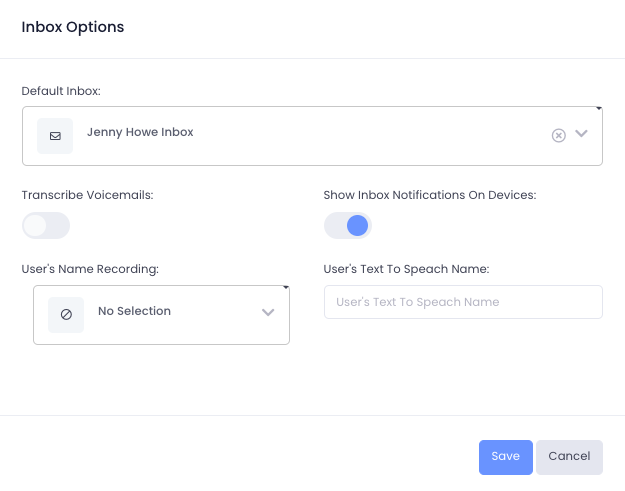
While a user can be a member of multiple inboxes, every user needs a default inbox. The default inbox is where all of a user’s voicemails and messages get stored if no other inbox is specified.
- From the top toolbar select Settings
- Under the Account category, select Users
- Select the user you wish to edit
- In the left pane, navigate to Voice
- Navigate to the bottom right box labeled ‘Inbox Options’
- Click the edit button in the top right corner
- From the Default Inbox dropdown list, select which inbox to set as the default
- Press Save