
While you will be able to see your conversations in the Communicator app, the Inbox App allows you to see all communications to a specific inbox rather than grouped by conversation.
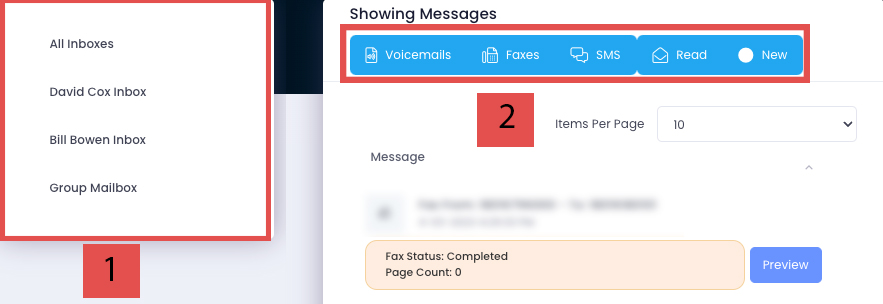
- This area allows you to switch between inboxes if applicable.
- These are filters for the selected inbox. Blue means that type of message is showing. Clicking a blue filter will turn it white, hiding those types of messages from view.
- Voicemails
- Faxes
- SMS
Color: RED
If enabled, the voicemail transcription will be available as well as a play button for audio playback.
Color: ORANGE
These provide the status of the fax (Completed/Failed), the page count, and an option to download the fax file by clicking ‘Preview’.
Color: GREEN
Clicking the blue ‘Conversation’ button will open up the conversation feed in the Communicator.