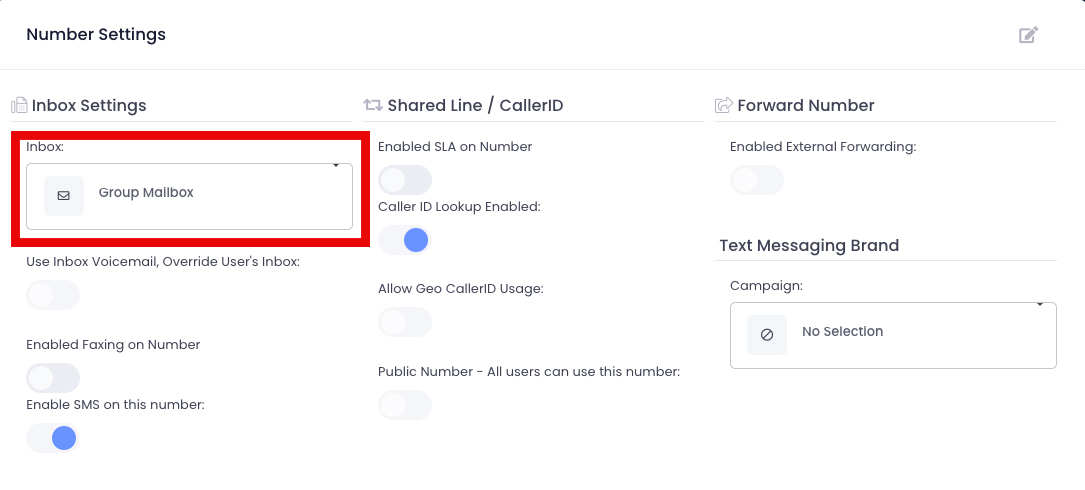
To be able to text out from a specific number, you need to be a member of the inbox that the number is tied to. To find out which inbox a number is tied to, do the following:
- From the top toolbar, select Settings.
- Navigate to Numbers.
- Click on the number you want to view.
- From the left pane, select Options.
- You will see the associated inbox under the Inbox menu
- Once you are added to that inbox, you will be able to use that number. Follow this article here to add a user to an inbox.
- Refresh the screen and you will be able to use that number.