
Via Communicator
- If you’re not already on the Communicator page, navigate to Apps -> Communicator.
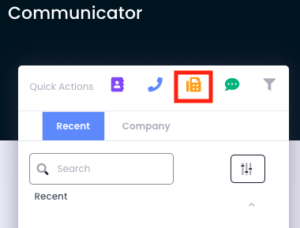
- Select the yellow fax icon quick action.
- Enter in the recipient number, which number for it to be sent from, as well as the file. Files can be uploaded by dragging and dropping, or double clicking within.
Via Email
While faxing can be done within the Avidbit web portal, faxes can also be sent directly in an email. To do this, input the following information.
To: ‘your fax phone number here’@fax.avidbit.com
Subject line: Recipient’s fax number.
Attachment: The file you would like to fax over