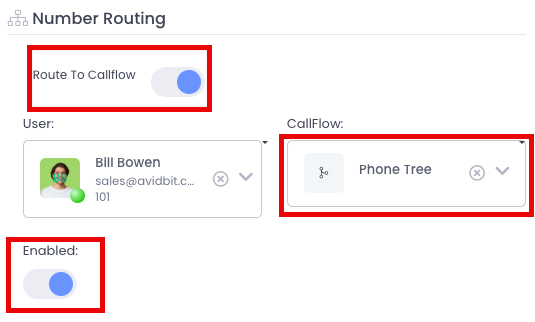
When someone calls one of your numbers, it must be linked to a call flow. The call flow dictates who gets rung, when phones can ring, what to do if no one answers, etc.
- From the top toolbar, select Settings.
- In the Voice category, select Numbers.
- Select the number you wish to assign.
- Make sure we are on the ‘Number Info’ pane.
- Click the pencil and paper edit button in the top right corner.
- Toggle ON ‘Route To Callflow’.
- From the CallFlow drop down menu, select which call flow you wish to link to.
- Ensure that the number is Enabled
- Press Save.